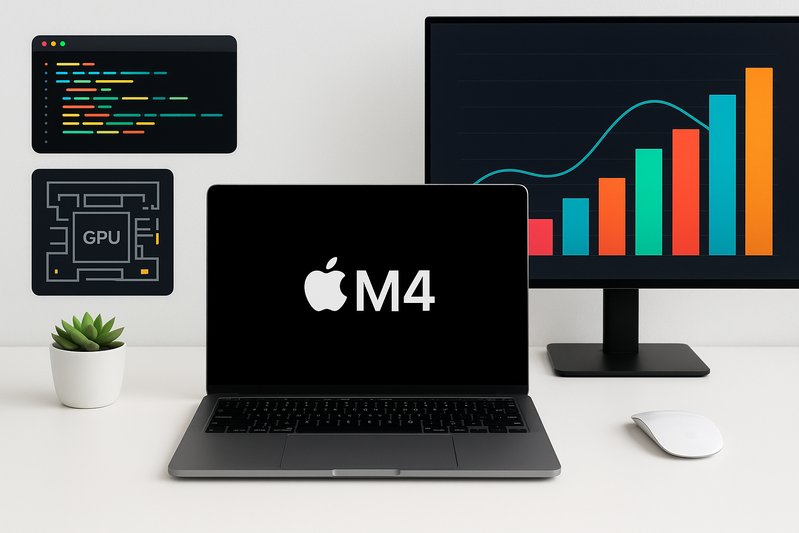
Mastering Apple Silicon M4: Setups and Development Essentials for Developers
Subtitle: Get equipped with the tools and strategies needed for efficient development on Apple’s M4 architecture
As Apple continues to push the boundaries of its Silicon architecture, the M4 chip emerges as a powerful asset for developers. This guide aims to navigate you through setting up and optimizing your development environment for this cutting-edge technology.
Understanding Apple Silicon M4
Apple’s M4 chip represents a significant leap forward in the tech giant’s Silicon lineup, following the M1, M2, and M3 with notable enhancements. Like its predecessors, M4 utilizes a System on Chip (SoC) design, integrating performance and efficiency cores, an updated Apple GPU, and a new Neural Engine (NPU). Together, these elements offer improved CPU/GPU performance per watt and faster machine learning operations.
Key Enhancements in M4
- CPU/GPU Performance: The M4 architecture boasts high-performance and efficiency cores managed by an operating system scheduler to balance workload distribution effectively.
- Neural Processing: The Neural Engine in M4 delivers up to 38 Trillion Operations Per Second (TOPS), enabling more efficient model inference for artificial intelligence applications.
- Unified Memory: Designed for seamless data sharing across the CPU, GPU, and NPU, the M4 chip’s unified memory architecture reduces latency and improves bandwidth management.
Platform Integration in 2026: macOS and iPadOS
By 2026, developers will be working with macOS 15 (Sequoia) and iPadOS 18 SDKs, equipped with Swift 6 language improvements, an updated Clang/LLVM compiler, and expanded Metal 3 APIs. These updates offer developers new tools for exploiting the M4’s capabilities.
- GPU Features: Metal 3’s new capabilities, such as ray tracing and mesh shading, depend on both hardware and software compatibility. Proper deployment is critical to take full advantage of these features.
- Cross-Platform Development: While core components can be shared technology-wise, developers need to account for differences in UI frameworks (AppKit vs. UIKit/SwiftUI) and platform capabilities.
Setting Up Your M4 Development Environment
Starting on a new M4 Mac involves a few crucial steps to ensure your setup is optimized for performance and future-proofing.
Essential Tools and Configurations
- Xcode and Swift 6: Install Xcode 16 and Command Line Tools, verifying the active toolchain with
xcode-select -p. The Swift Package Manager (SwiftPM) is integral for managing package dependencies effectively. - Homebrew and Python: Use Homebrew for managing system packages in
/opt/homebrew, prioritizing arm64 bottles. For Python, the Miniforge/conda-forge distribution supports native arm64 environments for robust performance. - Containerization and Virtualization: Docker Desktop on Apple Silicon supports multi-arch images, while tools like Colima and Podman provide lightweight alternatives. Virtual machines can be managed using UTM, VMware Fusion, or Parallels for cross-platform development needs.
Porting and Optimization Guidance
Adapting to the M4 architecture involves porting existing projects and optimizing code for arm64.
Building for Arm64 and Universal Binaries
- Compilation Strategies: Use Xcode’s “Standard Architectures” to target native arm64 or “Any Mac” for universal binaries if Intel Mac support is necessary.
- Vectorization and SIMD: Leverage Apple’s Accelerate framework for vectorized operations before diving into NEON intrinsics, maintaining portability and ease of maintenance.
Optimizing Performance for M4
An optimized setup can lead to substantial performance gains and improved energy efficiency.
Power/Performance Tuning
- Concurrency and CPU Utilization: Swift 6’s data-race safety and concurrency tools help optimize task scheduling and execution efficiency.
- GPU and Metal Usage: Modernizing GPU pipelines with Metal 3’s advanced features significantly boosts throughput. Feature gating ensures compatibility across different devices and runtimes.
Conclusion: Key Takeaways for M4 Developers
The Apple Silicon M4 represents an exciting opportunity for developers looking to leverage powerful, unified architectures for a range of applications. Key strategies include:
- Focusing on arm64 optimization for cleaner, faster builds.
- Leveraging Apple’s robust framework ecosystem like Accelerate and Metal for high performance.
- Establishing a comprehensive development environment with tools like Xcode and Homebrew.
As we move deeper into the future with Apple Silicon, understanding and executing these strategies will ensure your apps remain performant and competitive.
For developers eager to make the most of Apple’s advancements, these insights not only promise smoother transitions to new hardware but also pave the way for unleashing creative and technical prowess on a potent platform.